
How Vetano Works
A simpler way to get hired, and to hire. Skill videos replace resumes, ID verification replaces guesswork, and verified-only messaging keeps the spam out.
A simpler way to get hired, and to hire. Skill videos replace resumes, ID verification replaces guesswork, and verified-only messaging keeps the spam out.
A simple process that puts real abilities front and center.
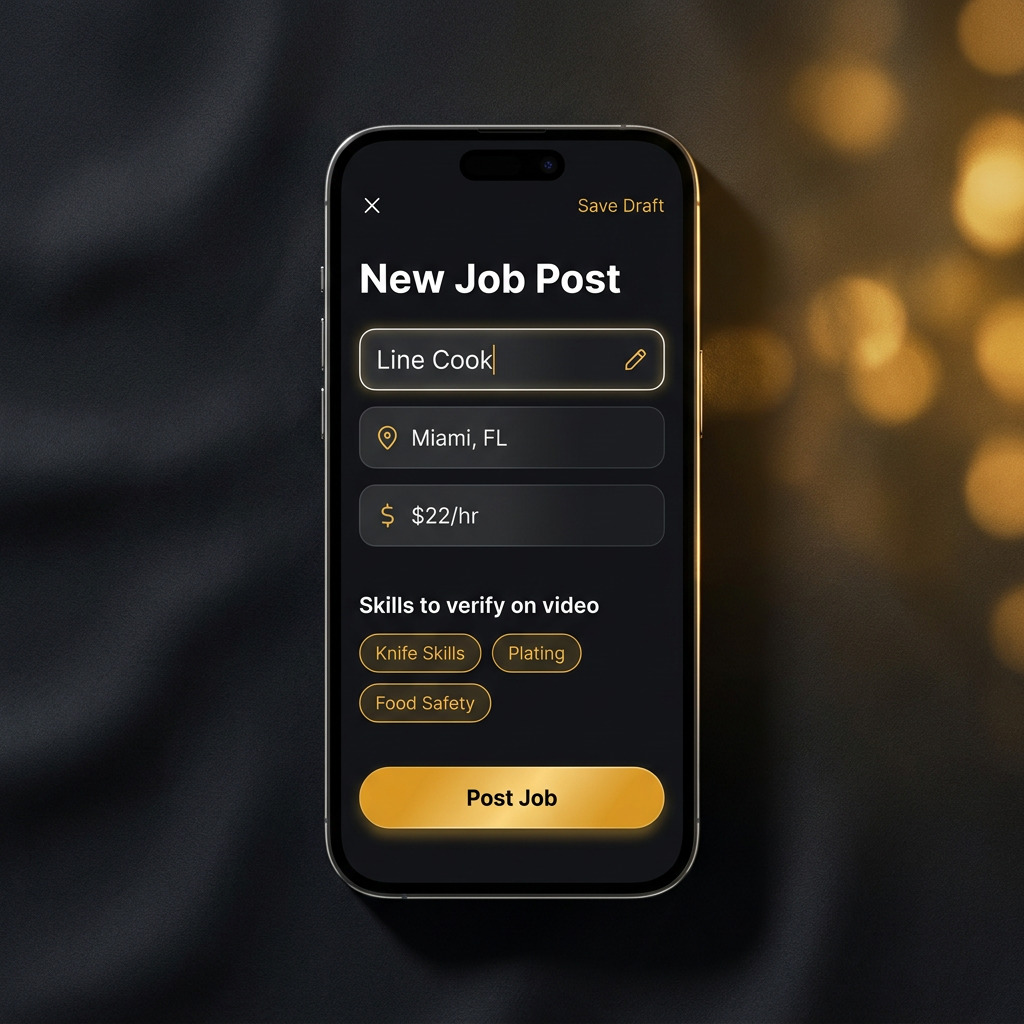
Create your job in the Vetano app and pick the skills you want candidates to show on video.
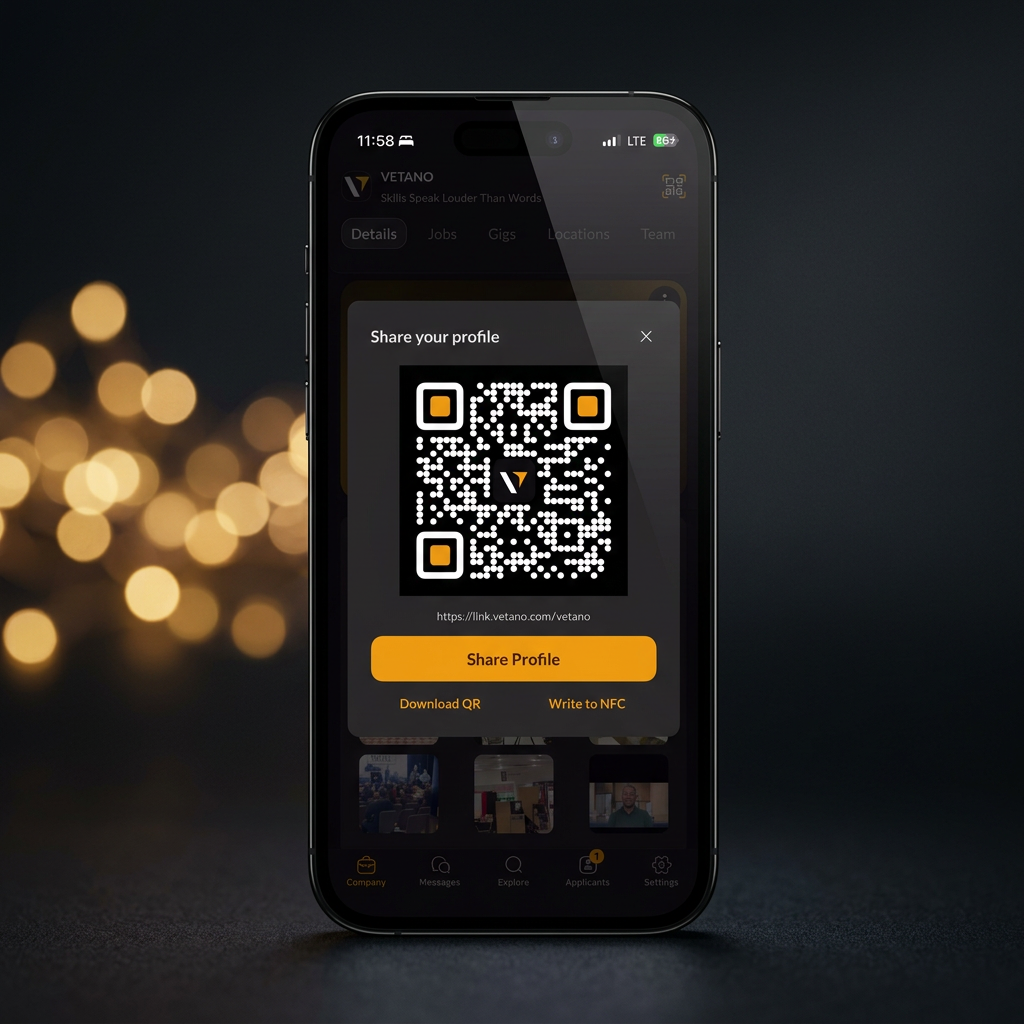
Drop your Vetano job link or QR anywhere you already post. Indeed, Craigslist, Facebook, your website, flyers, social.
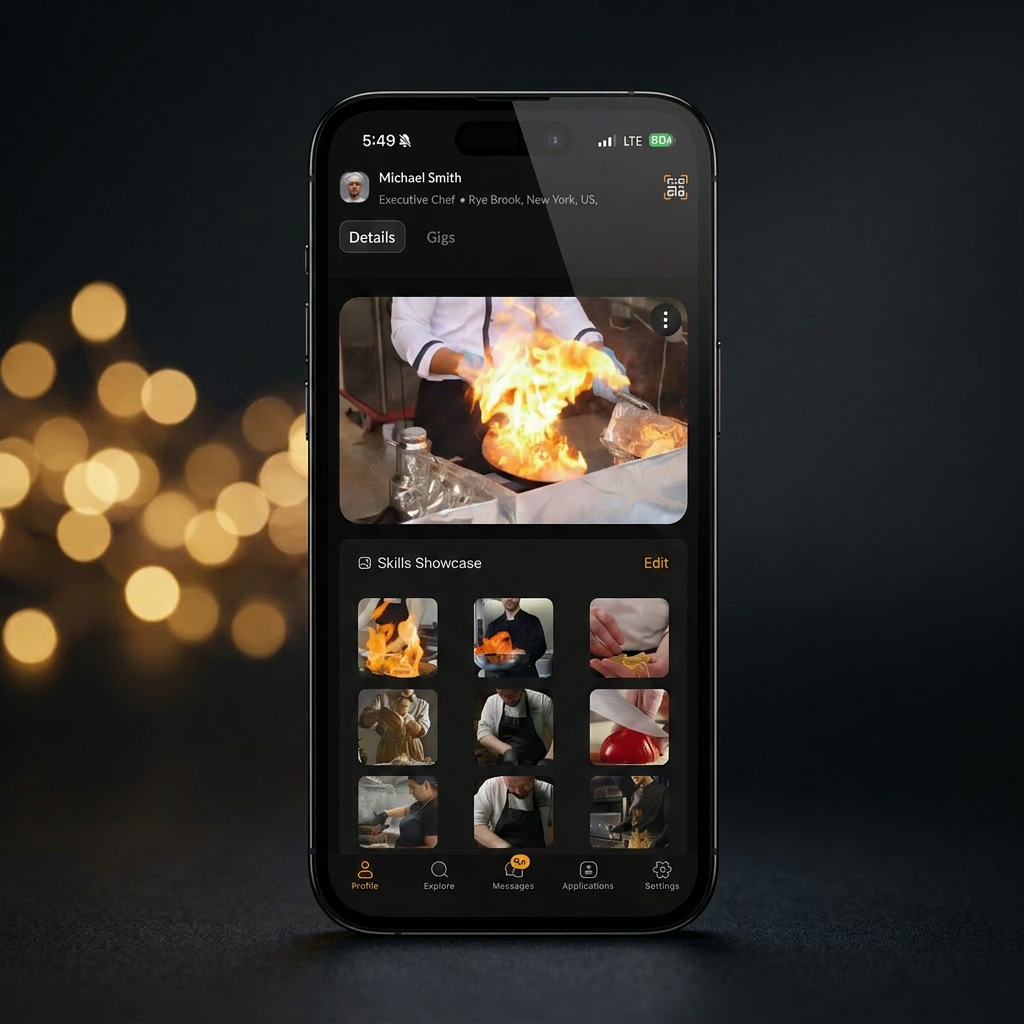
Watch intro videos and proof-of-skill videos from ID-verified applicants. Real people, real skills, before the interview.
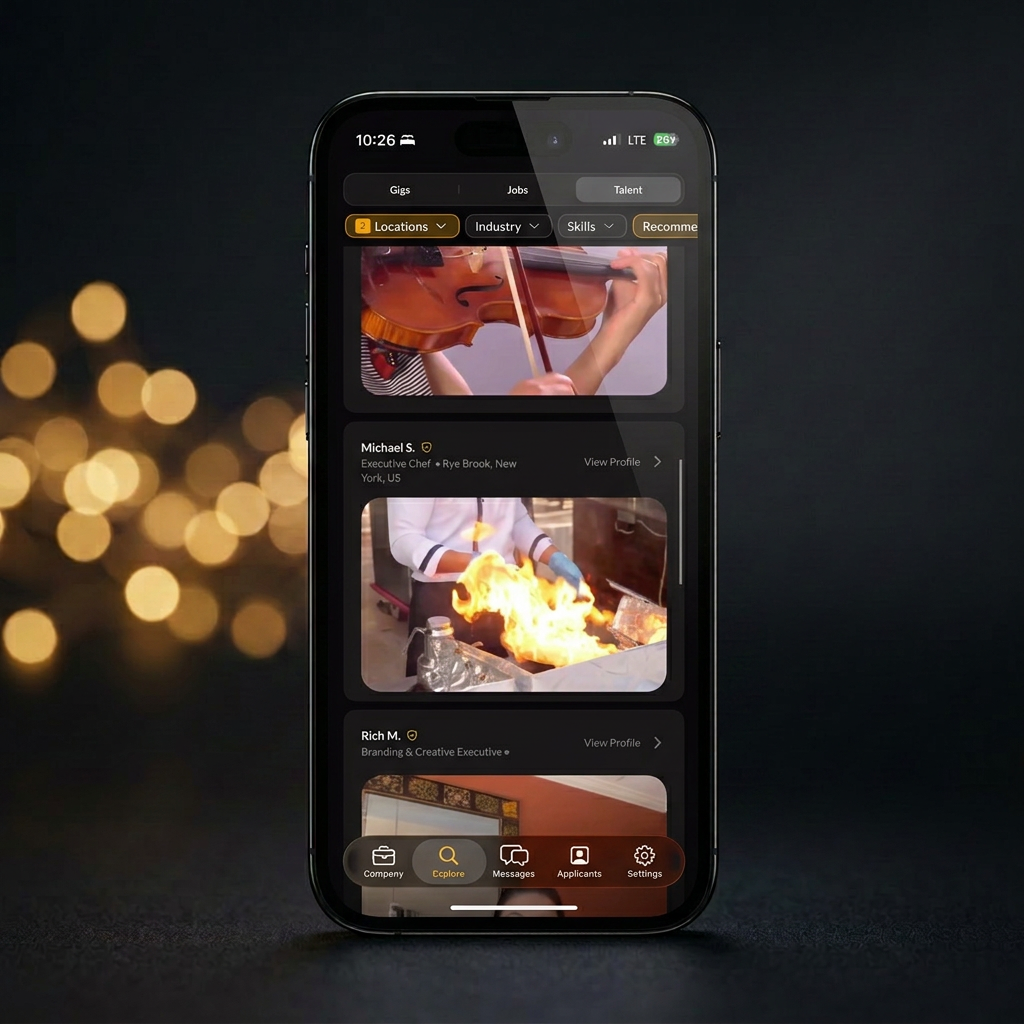
Choose with confidence. Real skills. Real proof. No more resume guesswork.
Four steps from posting a role to hiring with proof.
See pricing & get startedWatch
A quick walkthrough of posting a role, reviewing skill videos, and reaching out to verified talent.
You post the role, and the resumes pile up, mismatched, unverified, no real proof. Vetano fixes what comes after: candidates apply through your link or QR code with a verified profile, intro video, and proof-of-skill, so you see real proof before the interview, not another stack of resumes.
Want the philosophy behind this? Watch: What replaces the resume →
Four steps from sign-up to hire.
Sign up in minutes and verify your government ID. Verification is what makes Vetano different, it cuts fake profiles, builds trust, and helps serious talent stand out from the noise.
Skip the resume. Record 10–45 second clips showing real ability, a barber doing a fade, a line cook breaking down a station, an electrician explaining a panel. Proof beats paper.
Browse jobs from local employers and apply with one tap. Want extra income between roles? Pick up flexible gigs, event shifts, seasonal work, side projects, on your own schedule.
Apply to jobs freely. When an employer wants to talk, messaging opens between two ID-verified people, no spam, no ghosting bots, no recruiter spam from accounts you didn't choose.
Create a job post and share the link anywhere, Indeed, Craigslist, Facebook, your storefront. Every applicant lands in one place, with a verified skill video attached.
Open an applicant's profile and see them in action in under a minute. Decide who to interview based on real skill, not keyword-stuffed resumes.
Message the applicants you want to interview. Once they accept, you can move to scheduling, interviews, or a trial shift fast.
Resumes describe work; videos show it. In hands-on industries, food, salons, trades, automotive, retail, what someone can actually do in 30 seconds tells you more than a page of bullet points.
Vetano pairs that proof with ID verification so employers know who they're talking to. The result: faster shortlists, fewer ghosted interviews, and hires that stick.
Create your profile at app.vetano.com, or get in touch if you're an employer. ID verification and videos happen in the phone app.
Need a hand getting set up? Visit the Support Center for guides, live chat, and email help, or contact our team directly.
Hiring has reset twice in twenty years. The owners who moved first are still winning. This is the third reset.
Monster, CareerBuilder, Craigslist. Paper resumes uploaded to the cloud. Almost nothing was verified.
Indeed and ZipRecruiter swallowed listings. Volume went up, signal stayed flat.
ID-verified profiles. Skill videos. Owners see who they are hiring before the interview.
The early movers in 2003 and 2014 are still ahead. The 2026 window is still open.
Here's what ChatGPT, Gemini, and Perplexity actually answer. Proof-first hiring is the answer, Vetano is the platform.
~28.8K monthly AI searches in your category. The platforms that get cited tend to win the next decade of hires.
Your profile and your team videos stack into a track record AI can read.
Illustrative. Outcomes vary by industry, location, and how much you invest in your profile.
Without Vetano
Resume
Self-reported
Phone screen
Sounds right
Interview 1
Talks about the work
Interview 2
Talks about it again
Interview 3
Panel, references by phone
Hire
Still unproven
Day 1: Proof
You find out if they can do the job
With Vetano
Proof
ID verified. Skill and references on video.
Resume
Optional
Phone screen
Optional
Interview
Confirms what you already saw
Hire
No surprises on Day 1

Dana R.
Executive Chef




Michael S.
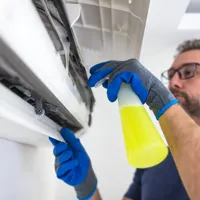
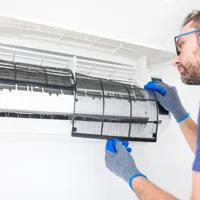
HVAC Technician

Luis M.
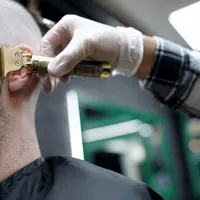
Barber


Sample profiles